Sentry application
Sentry is an error-tracking and application performance monitoring platform. MIA connects to it to inventory the users of your organization and manage their access.
Authentication type and prerequisites
Authentication type: API key
Prerequisites
Be an administrator of a Sentry organization with an API token.
Connection steps
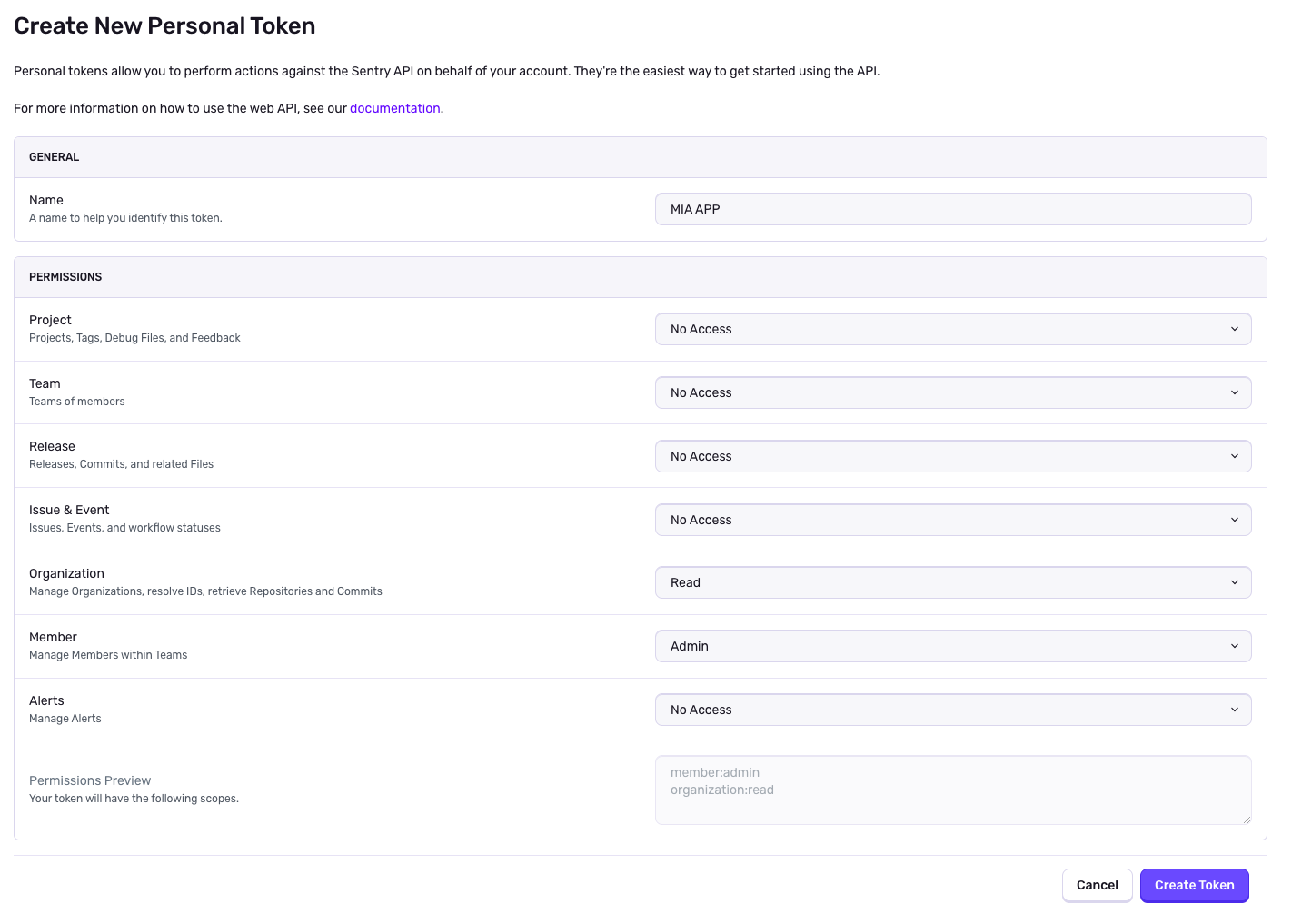
Create a personal token with the Organization: Read and Member: Admin permissions, from Settings → Account → API → Auth Tokens. Without these permissions, MIA cannot work correctly.
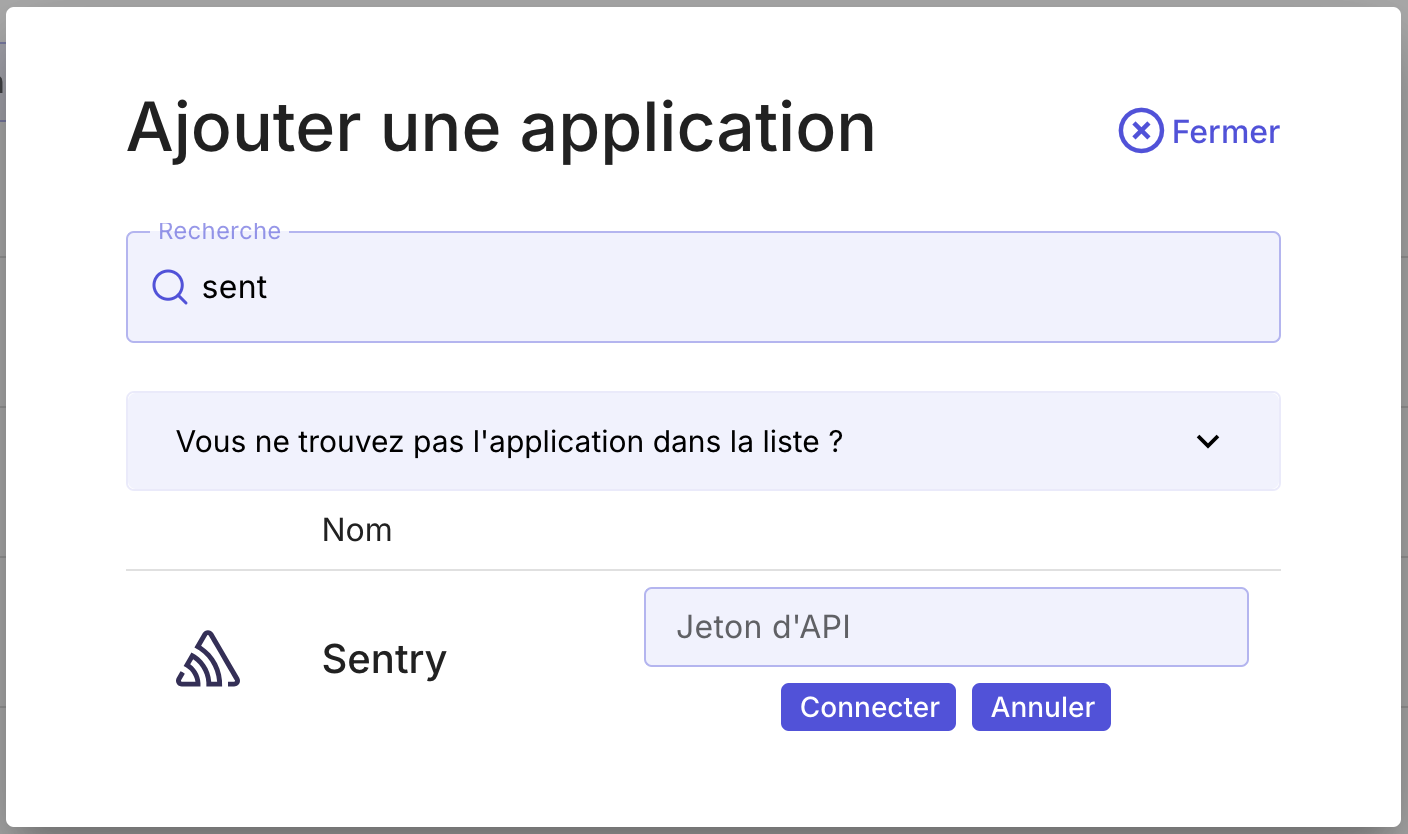
In MIA, open Applications → Add an application, search for Sentry, enter this token, then click Connect.