Ringover application
Ringover is a cloud business-telephony solution (calls, video meetings and SMS). MIA connects to Ringover to inventory the users of your organization and manage their access.
Authentication type and prerequisites
Authentication type: API key
Prerequisites
Be an administrator of a Ringover account with an active subscription.
Connection steps
Sign in to your Ringover dashboard, then open Settings → Developer (API section).
Click Create an API key, set an administrator user and a label (for example "MIA Integration"), then click Create.
Click Edit next to your API key, enable the Users: READ (to list users) and Users: WRITE (to add and remove users) permissions, then save.
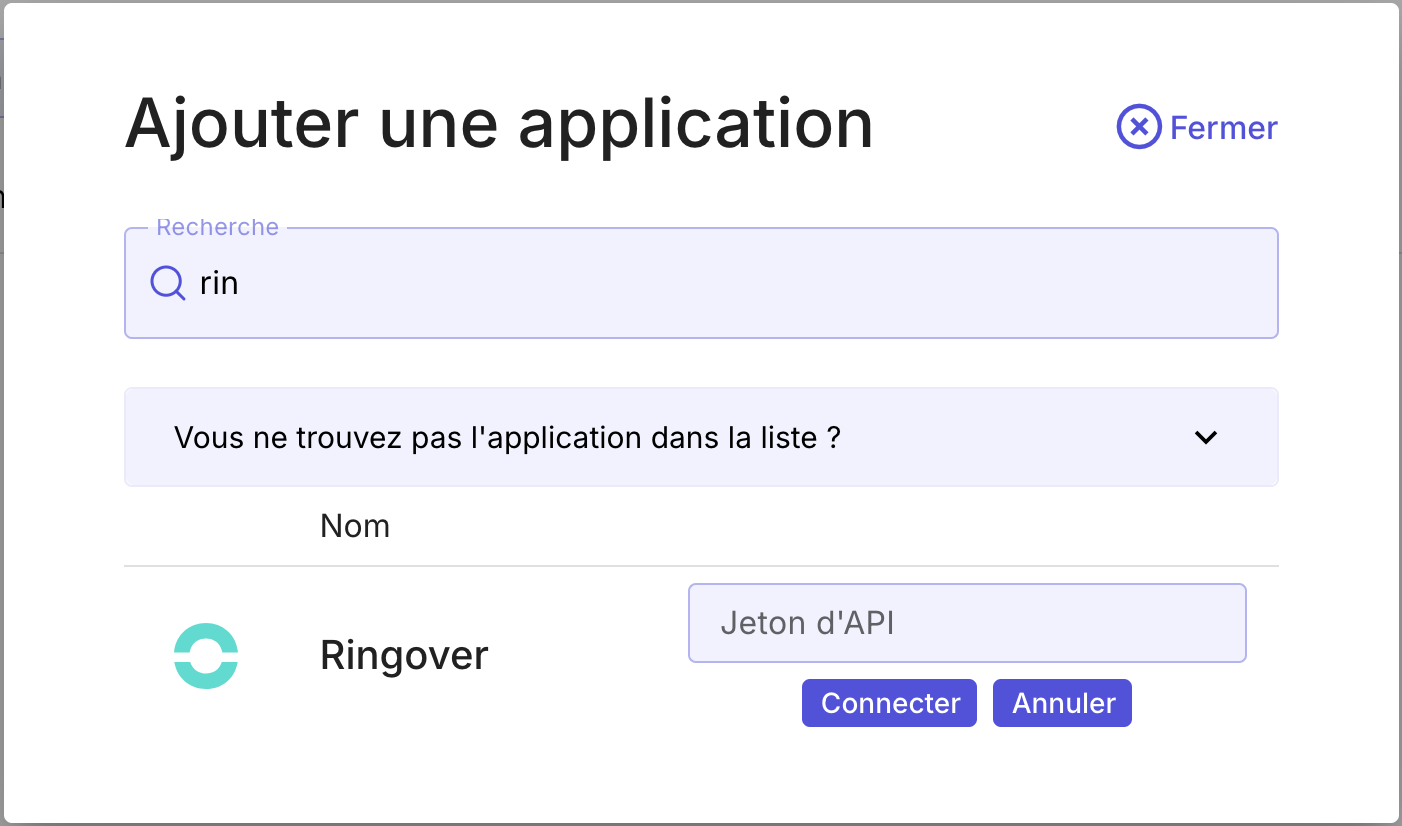
In MIA, open Applications → Add an application, search for Ringover, enter your API key, then click Connect.