


Filestage application
Filestage is a review and approval platform for creative content (videos, documents and visuals). MIA connects to Filestage to inventory the users of your organization and manage their access.
Authentication type and prerequisites
Authentication type: API key
Prerequisites
Be an administrator of a Filestage account on an enterprise plan.
Connection steps
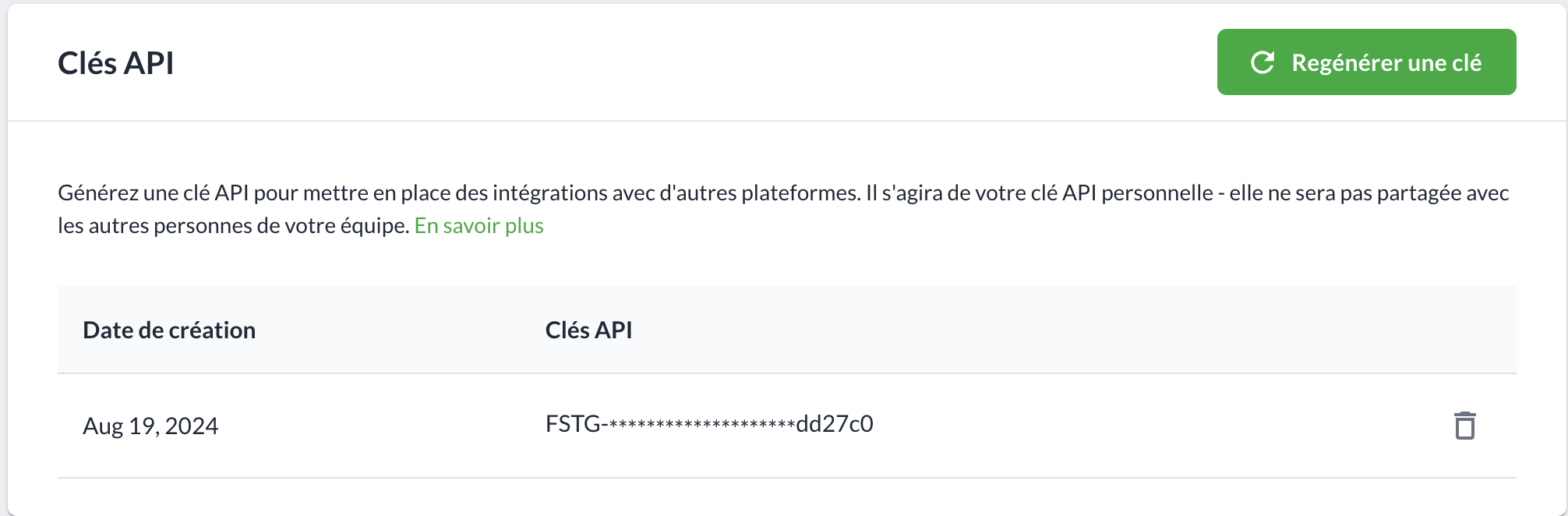
In the Filestage dashboard, open Team → API.


Click Generate (or Regenerate key) to obtain your API key.
In MIA, open Applications → Add an application, search for Filestage, click API key, enter the key, then click Connect.
