Boond Manager application
Boond Manager is a management software for consulting firms and agencies (sales, HR, invoicing). MIA connects to it to inventory the users of your organization and manage their access.
Authentication type and prerequisites
Authentication type: API keys
Prerequisites
Be an administrator of a Boond Manager account with its API keys (client token, client key and user token).
Connection steps
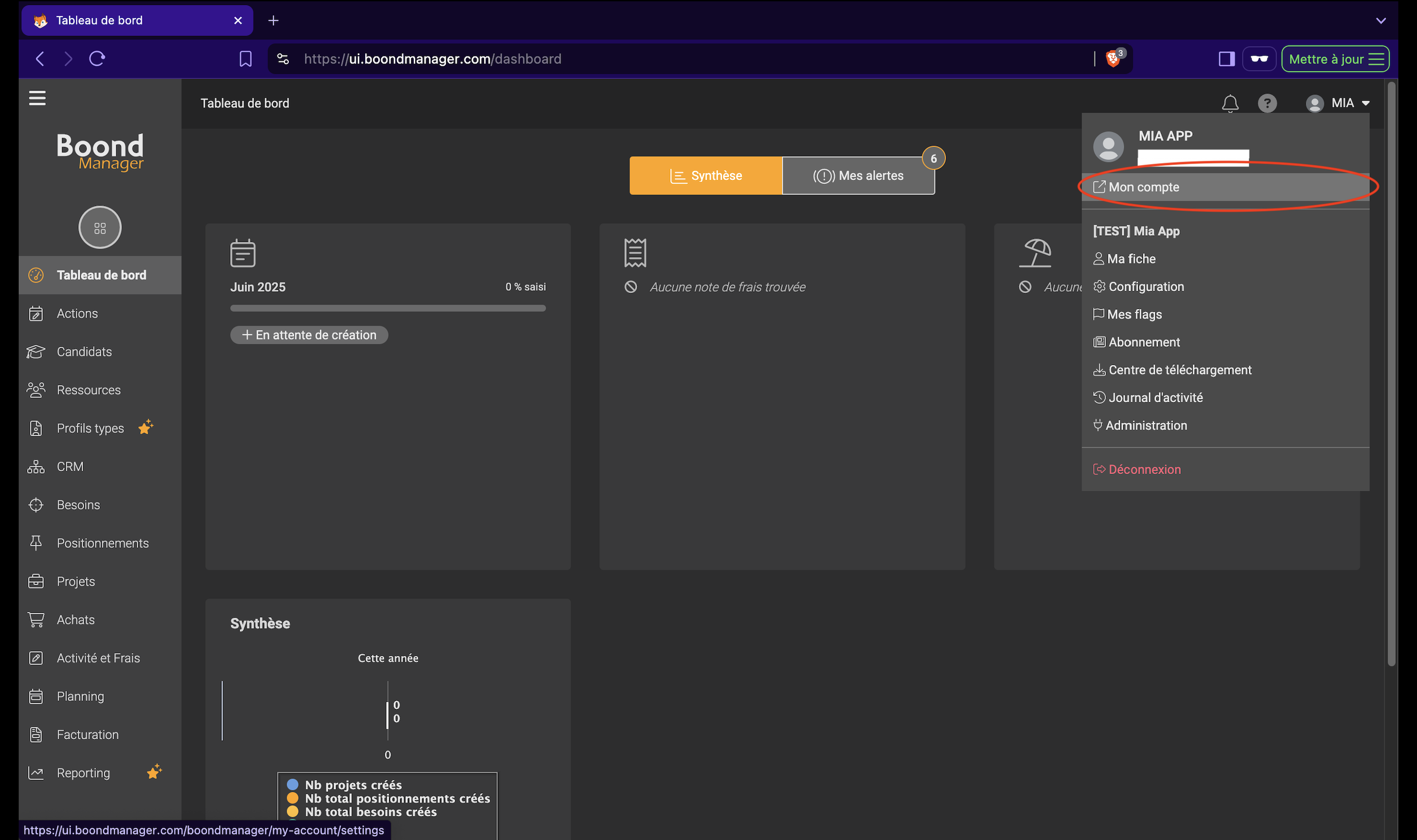
Retrieve the client token and client key from your Boond Manager account settings.
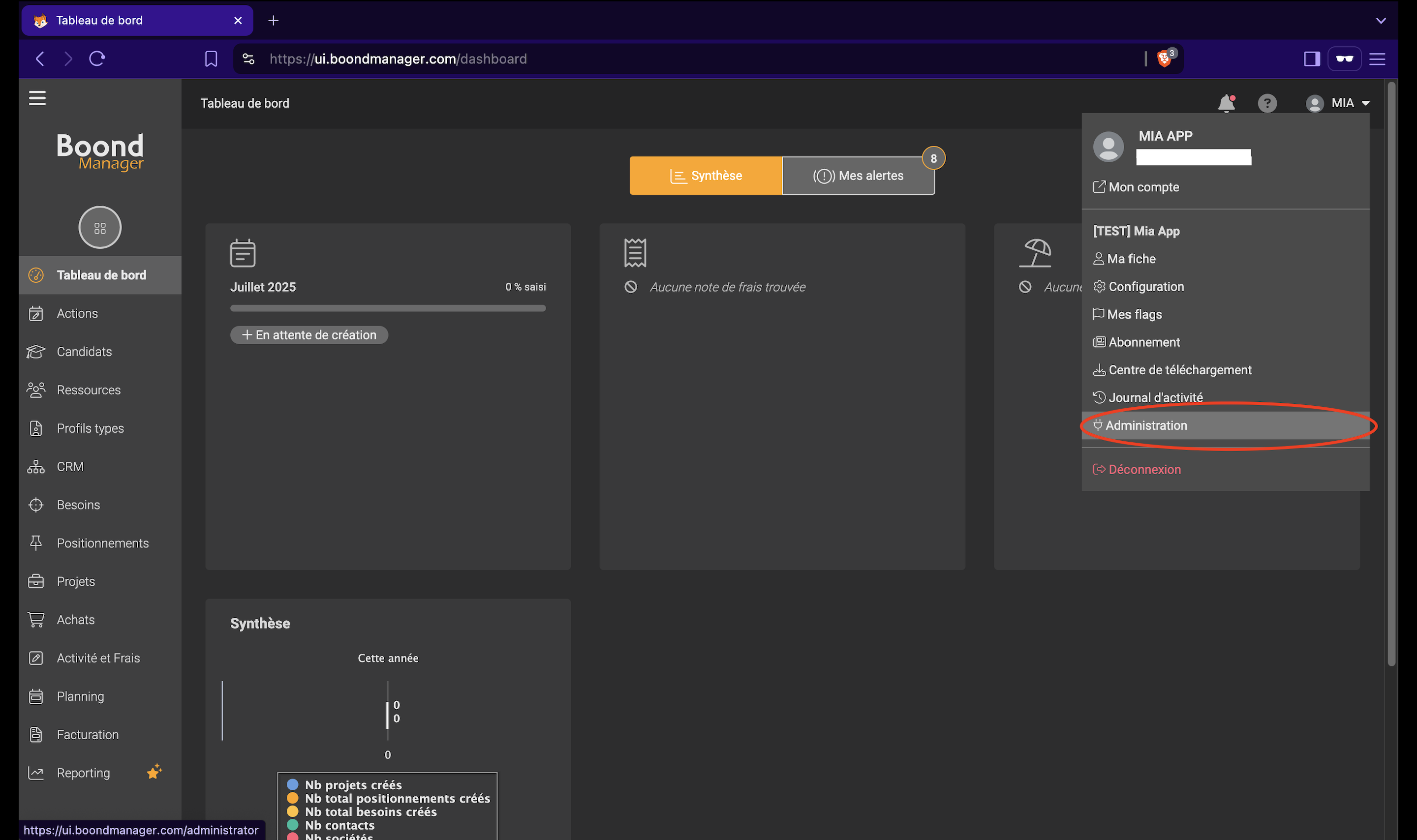
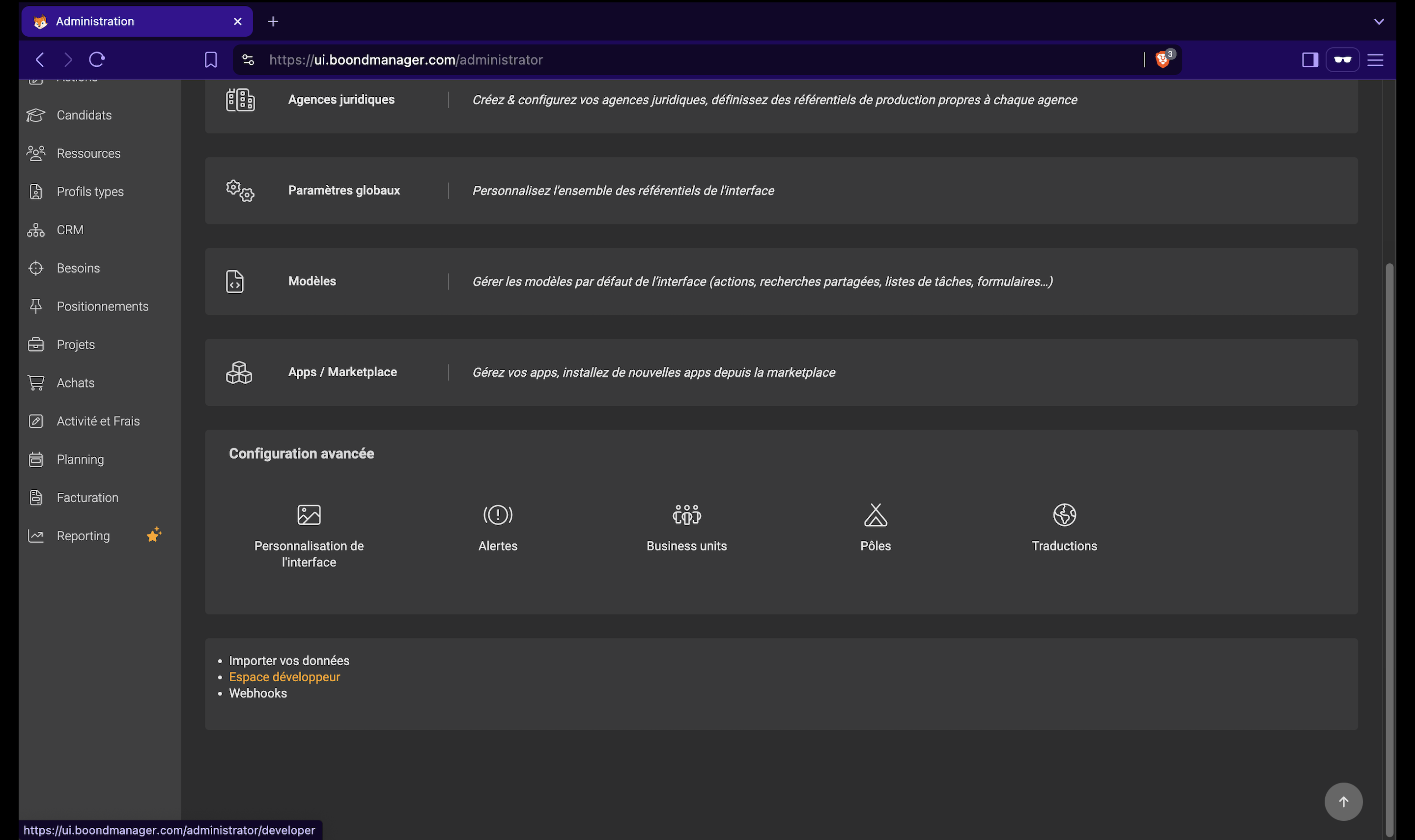
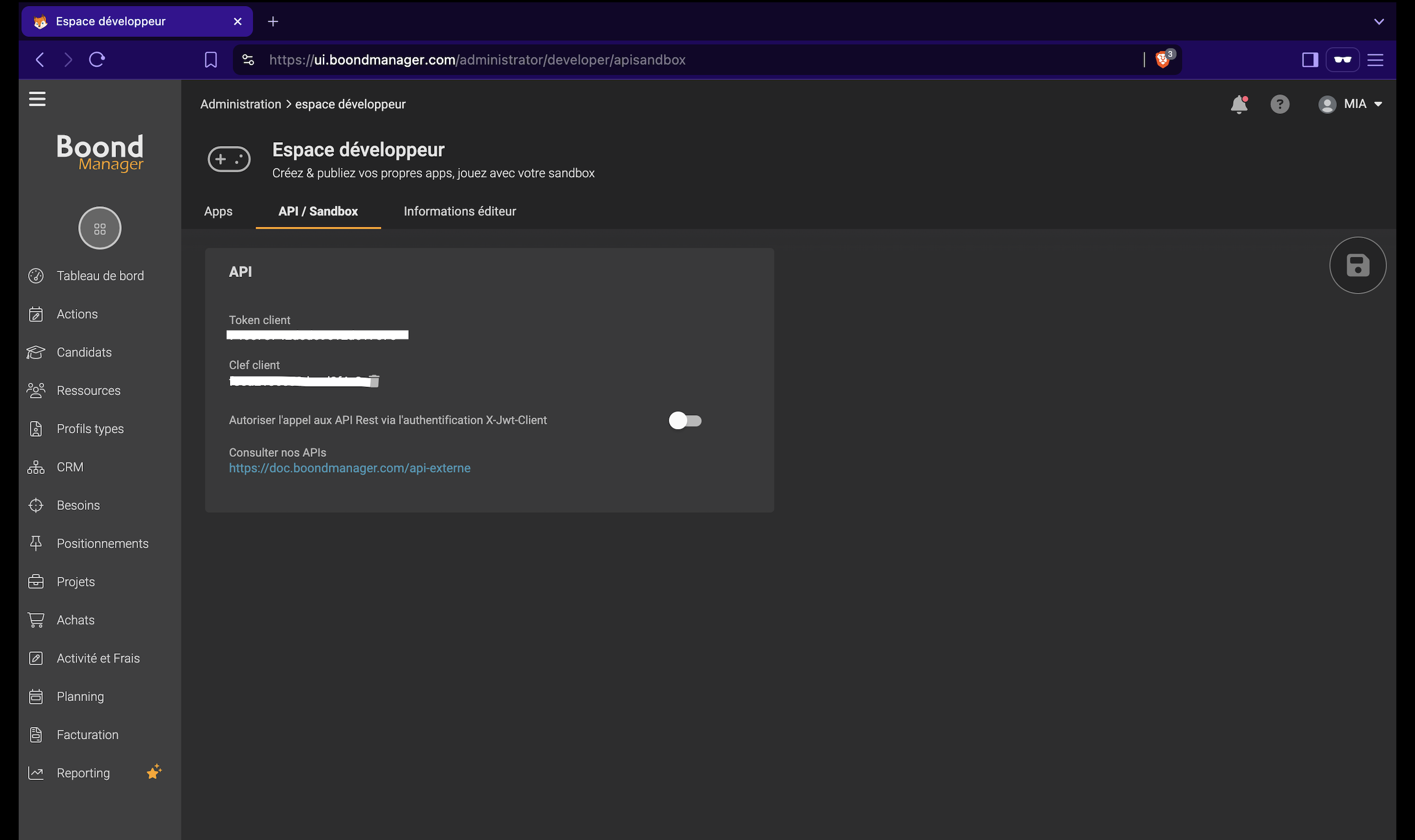
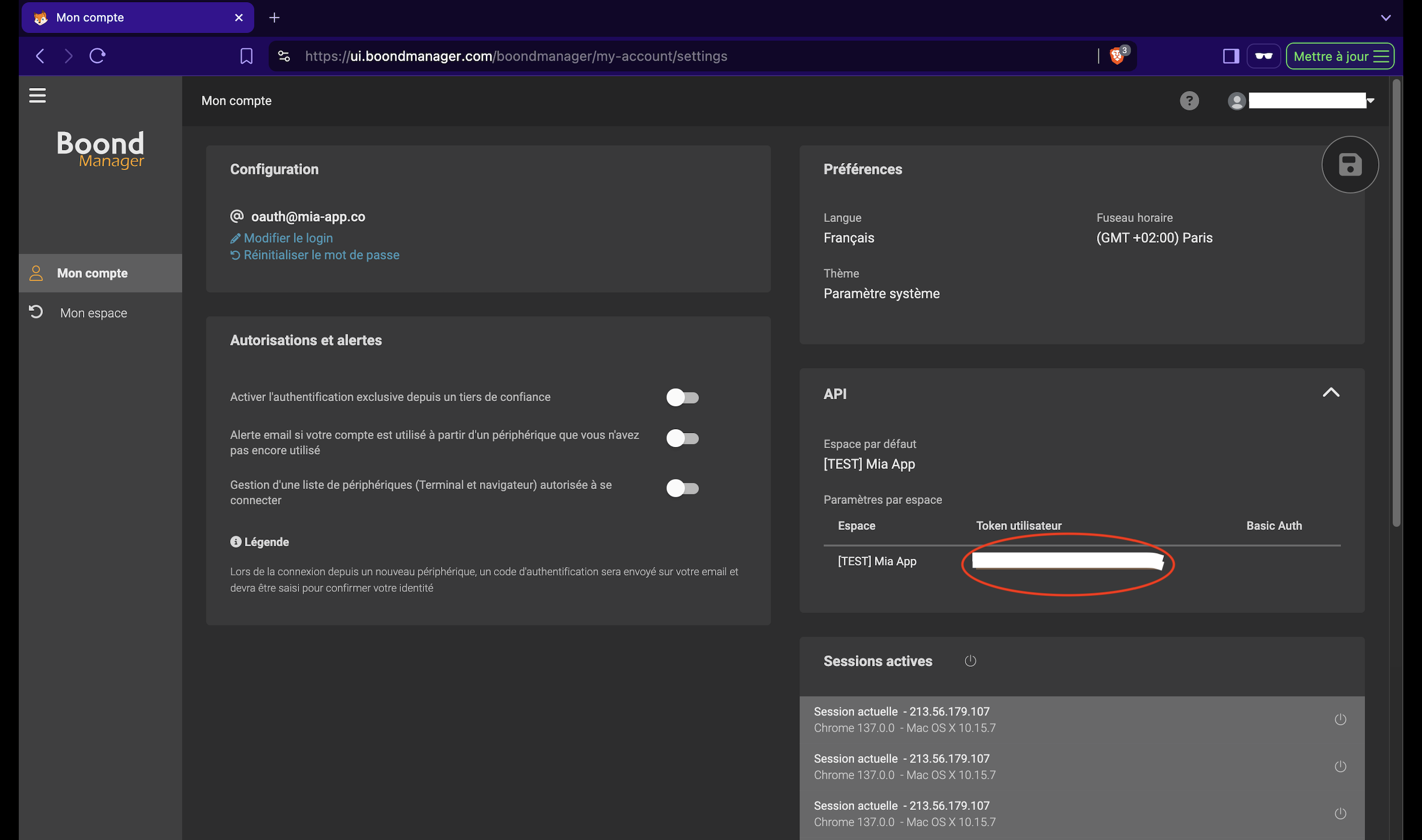
Retrieve the user token.
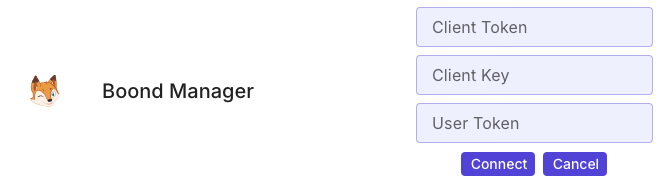
In MIA, open Applications → Add an application, search for Boond Manager, click Connect, enter the keys and confirm.